
SEO audits and fixes are the key to solving SEO problems. Think of them as your website’s health check. Without them, it’s hard to know what’s working and what’s not. I’ve learned this the hard way, discovering issues that were affecting my site’s performance. With a good SEO audit, you can find and fix problems that may be hurting your rankings. In this guide, I’ll show you how SEO audits can help, share my experiences, and teach you how to fix those issues. Let’s get started and Contact Us!
What is an SEO Audit and Why is it Important?
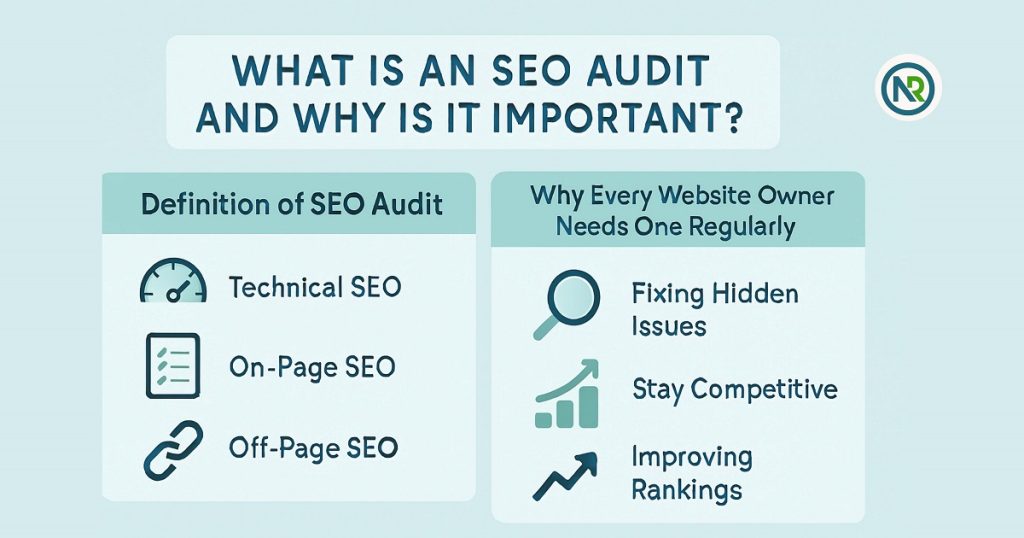
An SEO audit is a comprehensive review of your website’s performance in search engines. It involves checking technical SEO, on-page content, and off-page factors like backlinks to improve site rankings and fix hidden issues. Regular audits help you stay competitive and boost website visibility.
Definition of SEO Audit: What It Entails (Technical SEO, On-Page SEO, Off-Page SEO)
An SEO audit is like a full check-up for your website. It’s a deep dive into everything that affects your site’s performance on search engines. There are three main parts to consider:
-
Technical SEO
This checks how well search engines can crawl and index your website. It looks at things like page speed, mobile-friendliness, and security (like HTTPS).
-
On-Page SEO
This covers the content and structure of your pages. Things like using the right keywords, having proper headings, and ensuring your site is easy to navigate.
-
Off-Page SEO
This looks at how other websites interact with yours. It includes backlinks and social signals, which can affect your website’s authority and trustworthiness.
Why Every Website Owner Needs to Perform One Regularly
SEO audits aren’t just a one-time thing; they should be done regularly. Here’s why:
- Fixing Hidden Issues: Not all problems are obvious. An SEO audit helps uncover issues you might not notice, like broken links or slow page loading times.
- Stay Competitive: Search engines are constantly changing. An audit helps you stay ahead by adjusting to new updates, algorithms, and trends.
- Improving Rankings: Regular audits help you pinpoint what’s holding back your rankings and take action to improve them.
I learned the importance of regular SEO audits after noticing that my site’s traffic was dropping. A quick audit showed me exactly where I was going wrong, and I was able to make the changes needed to boost my rankings.
How SEO Audits Can Help with Problem-Solving
SEO audits find hidden issues like broken links, slow load times, and crawlability problems. Fixing these issues helps improve user experience and rankings, leading to better traffic and visibility on search engines.
Identify SEO Issues: How Audits Uncover Problems Affecting Performance
SEO audits are like a check-up for your website. They help you find hidden problems that may be hurting your site. Here’s what audits often uncover:
- Broken Links: Links that don’t work can frustrate users and hurt rankings.
- Slow Loading Times: A slow website can drive visitors away.
- Crawlability Issues: If search engines can’t crawl your site properly, it won’t rank well.
If you don’t do an audit, these problems might go unnoticed. Regular audits help you catch them before they grow into bigger issues.
Fixing SEO Problems: A Personal Story About an Issue I Found During an Audit and How It Was Resolved
A few months ago, I noticed my website’s traffic wasn’t growing. I did an SEO audit and found broken internal links on key pages. This was causing users to hit dead ends. After fixing those links, I also redirected a few pages and re-optimized my content. In just a few weeks, I saw more traffic and better rankings.
This experience showed me just how powerful SEO audits are for solving problems. They can uncover issues that, once fixed, can make a big difference.
How to Perform an SEO Audit: A Step-by-Step Guide
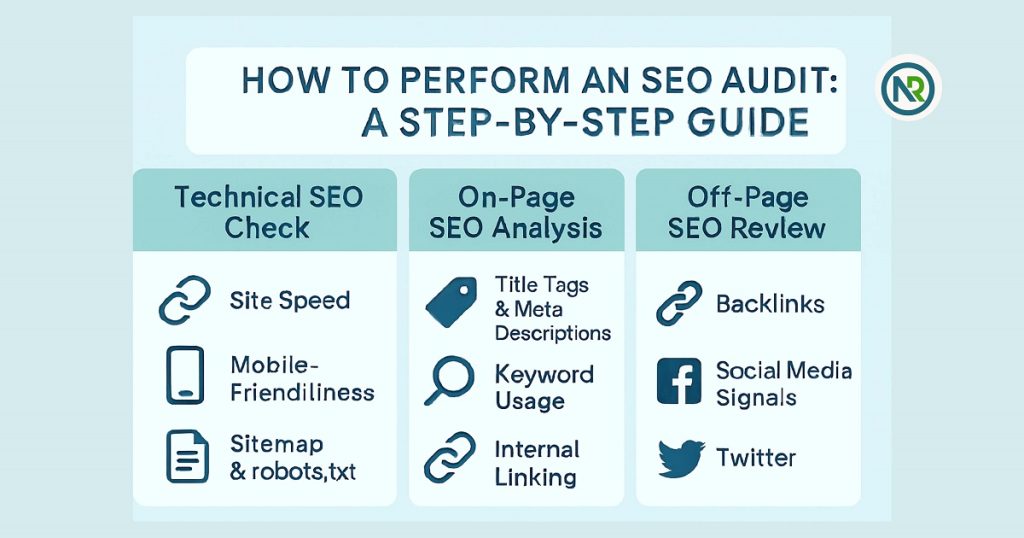
An SEO audit involves three main steps: technical SEO checks, on-page SEO analysis, and off-page SEO review. These steps help identify issues affecting your site’s performance and improve its rankings. Regular audits are crucial for maintaining site health and boosting visibility on search engines.
Overview: Steps Involved in Conducting an Audit
Performing an SEO audit is like taking a deep dive into your website to find out what’s working and what’s not. Here’s how you can do it:
-
Step 1: Technical SEO Check
Start by checking the technical health of your site. Make sure it’s easy for search engines to crawl and index your pages.
- Check for site speed issues.
- Test mobile-friendliness.
- Review your robots.txt and sitemap.
-
Step 2: On-Page SEO Analysis
Focus on the content and structure of your pages.
- Ensure title tags and meta descriptions are optimized.
- Look for keyword usage in headings and content.
- Review internal linking for a better user experience.
-
Step 3: Off-Page SEO Review
Off-page SEO looks at factors like backlinks and social media signals.
- Review the quality of backlinks to your site.
- Check if your site has mentions on relevant websites and social media platforms.
Personal Insight: A Walkthrough of How I Usually Approach an Audit and Common Mistakes I See
I always start my audits with a technical check. I’ve learned the hard way that site speed and crawlability are often overlooked, yet they can make or break a site’s performance. During my last audit, I discovered that a simple broken link was causing a major drop in user engagement. After fixing that, I saw a nice bump in traffic.
One common mistake I see is neglecting mobile optimization. A lot of people forget that search engines prioritize mobile-friendly sites. So, don’t skip this step! It can massively affect your rankings.
How Often Should I Perform an SEO Audit?
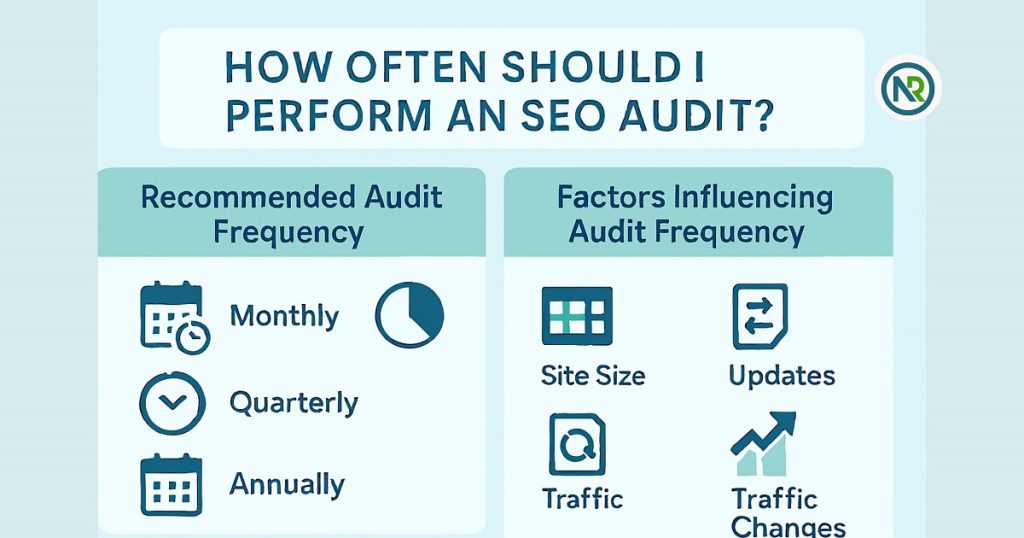
You should perform an SEO audit monthly, quarterly, or annually, depending on factors like site size, content updates, and traffic changes. For most websites, quarterly audits are ideal for keeping SEO performance in check.
How Often You Should Audit Your Website (Monthly, Quarterly, Annually)
So, how often should you perform an SEO audit? Well, it depends on your website’s needs. Here’s a simple breakdown:
- Monthly: If you’re running a high-traffic site or regularly posting new content, monthly audits help you stay on top of any issues quickly.
- Quarterly: For most websites, a quarterly audit strikes a good balance between staying updated and not overloading yourself with audits.
- Annually: If your site is pretty stable and you don’t update it frequently, an annual audit may be enough to ensure everything’s running smoothly.
Factors Influencing Audit Frequency: Site Size, Updates, Traffic Changes, etc.
The frequency of your SEO audits can depend on several factors:
- Site Size: Larger websites with more pages should be audited more frequently, as issues can arise faster.
- Updates: If you’re constantly adding new content or making changes, more frequent audits can catch potential issues early.
- Traffic Changes: If you notice a sudden drop in traffic or rankings, it’s a good idea to audit your site right away.
From personal experience, I try to audit my site quarterly. It helps me stay ahead of any issues without feeling overwhelmed. After all, consistency is key!
How to Conduct a Technical SEO Audit
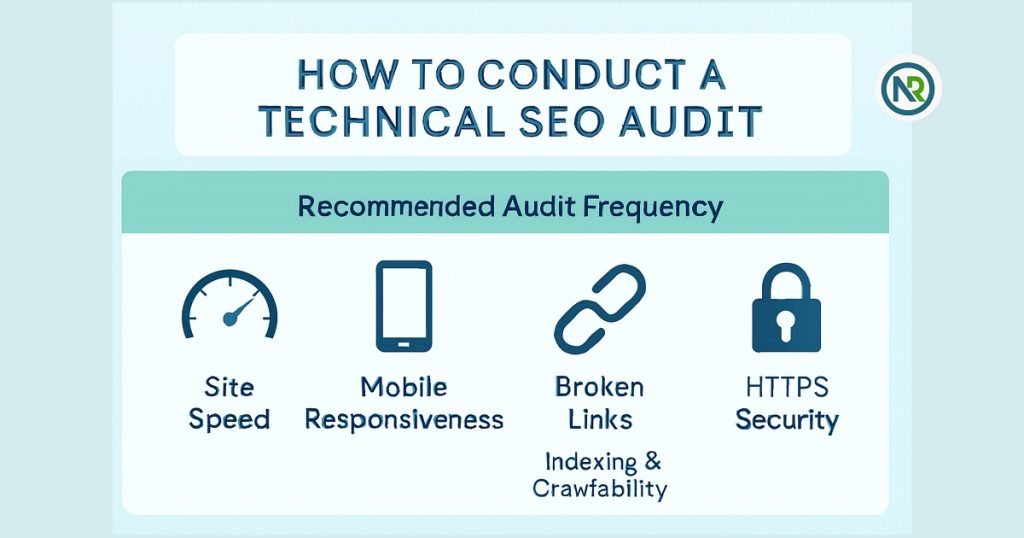
To conduct a technical SEO audit, check site speed, mobile responsiveness, broken links, crawlability, and HTTPS security. Fixing these issues will improve your site’s performance and search rankings.
Technical SEO Checklist
A technical SEO audit checks how well your site works for both search engines and users. Here’s what to look for:
- Site Speed: A slow site hurts your rankings and user experience. Use tools like Google Page Speed Insights to see where improvements are needed.
- Mobile Responsiveness: Make sure your site looks good on mobile devices. Google rewards mobile-friendly sites.
- Broken Links: Broken links frustrate visitors and hurt SEO. Check your site for these and fix them regularly.
- Indexing & Crawlability: Search engines need to access and index your pages. Use Google Search Console to track any issues.
- HTTPS Security: A secure site (HTTPS) is necessary for both rankings and user trust. Make sure your site is secure.
Personal Example: A Technical Issue I Found and Fixed
Once, I noticed my site was running slowly. After performing an SEO audit, I found that large images were the problem. I resized and compressed them, and the site sped up quickly. This simple fix improved user experience and boosted my rankings.
How to Fix SEO Problems After an Audit
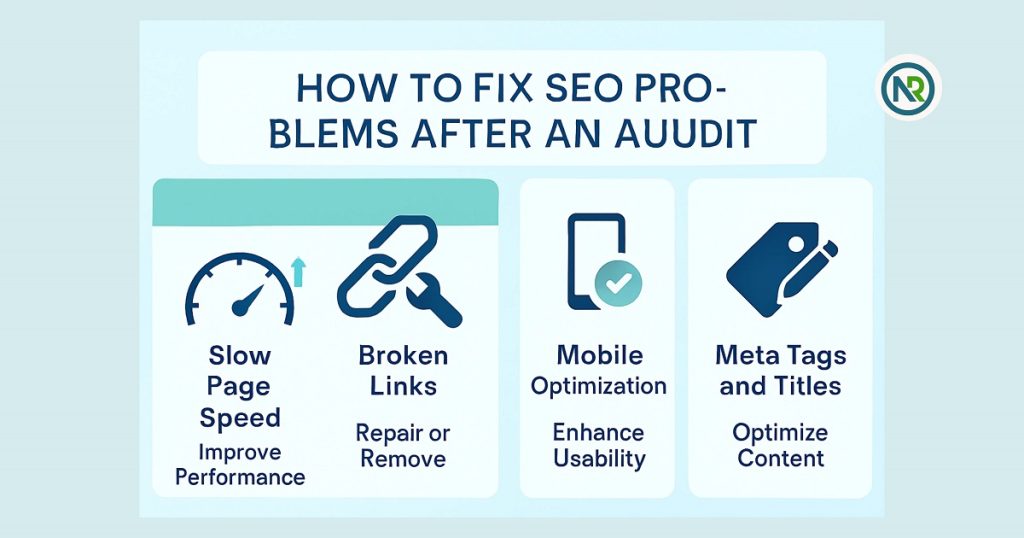
To fix SEO problems after an audit, focus on improving site speed, fixing broken links, optimizing for mobile, and refining meta tags and titles. These fixes can boost user experience and improve your site’s search engine rankings.
Common SEO Problems and Fixes
After an SEO audit, you’ll likely find areas to improve. Here are common problems and how to fix them:
- Slow Page Speed: Slow sites can frustrate visitors and hurt rankings.
- Fix: Use tools like Google PageSpeed Insights to identify slow-loading pages. Compress images, minify CSS/JS files, and leverage browser caching to improve speed.
- Broken Links: Broken links harm user experience and SEO.
- Fix: Use tools like Screaming Frog or Ahrefs to identify broken links. Fix them by updating, redirecting, or removing the broken URLs.
- Mobile Optimization: With most users browsing on mobile, your site needs to be mobile-friendly.
- Fix: Use Google’s Mobile-Friendly Test to check your site. Make sure buttons, text, and images are easy to view on small screens.
- Meta Tags and Title Optimization: Poorly written meta tags and titles can hurt your click-through rate.
- Fix: Write clear, descriptive titles and meta descriptions. Include relevant keywords but keep them natural. Tools like Yoast SEO can help optimize these.
My Experience: Specific Problem-Solving Scenarios from Past Audits
I’ve encountered many technical issues in past audits. One time, my website had a significant bounce rate because of slow page speed. After optimizing the images and implementing caching, the bounce rate dropped, and user engagement improved.
In another case, I discovered several broken links on a client’s site, leading to poor SEO performance. I quickly fixed those by either updating the links or redirecting them. As a result, traffic and rankings improved.
How to Interpret the Results of an SEO Audit
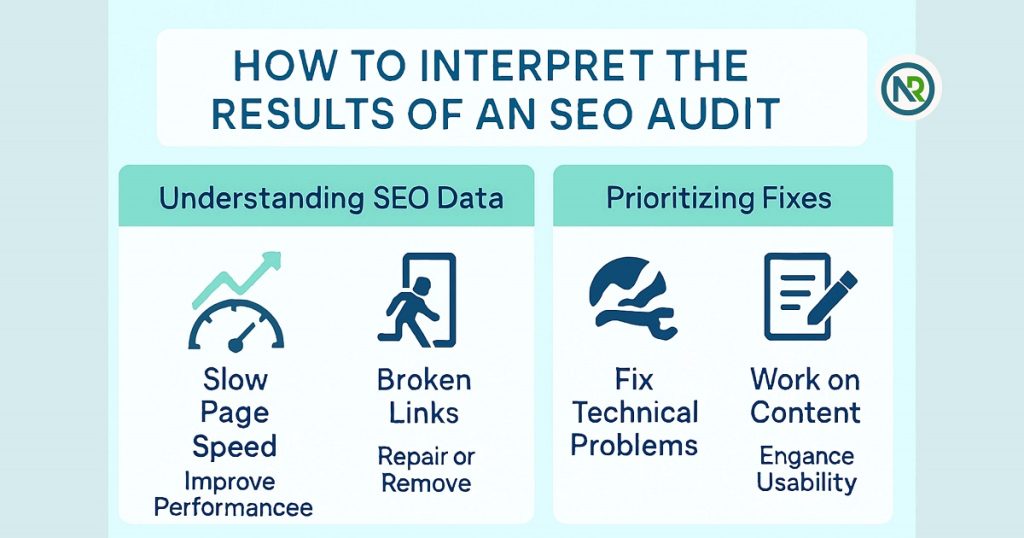
To interpret SEO audit results, focus on key metrics like organic traffic, bounce rates, and conversion rates. Prioritize fixing technical issues, improving content, and optimizing for conversions to improve your website’s performance.
Interpreting Metrics Like Organic Traffic, Bounce Rates, and Conversion Rates
When you get the results of your SEO audit, it’s important to understand what they mean. Here’s how to read the key metrics:
- Organic Traffic: This shows how many visitors come from search engines. Low traffic can mean SEO problems.
- Bounce Rates: If visitors leave your site quickly, the bounce rate is high. This could mean your site is slow or not engaging.
- Conversion Rates: This is the percentage of visitors who take action, like buying something or signing up. A low conversion rate means your site might not be convincing enough.
Understanding these metrics helps you know where to focus your efforts.
What Issues to Tackle First Based on Their Impact on Your Site’s Performance
Once you understand your data, the next step is to figure out what to fix first. Start with the most impactful issues:
- Fix technical problems first: Slow page speed or broken links should be fixed ASAP. These issues hurt both user experience and rankings.
- Work on content: If you have high bounce rates, your content might need better optimization or improvement.
- Focus on conversions: After fixing the technical and content issues, work on improving conversion rates to turn visitors into customers.
This strategy helps you focus on changes that will make the biggest difference.
How Analyzing Audit Data Led Me to Significant Changes on My Website
I once ran an SEO audit and found that my bounce rate was sky-high. After investigating, I found that my site was loading slowly. I optimized images and sped up the site. The result? Lower bounce rates, higher traffic, and better conversions. It was a huge win.
How Can an SEO Audit Help Improve Website Rankings?
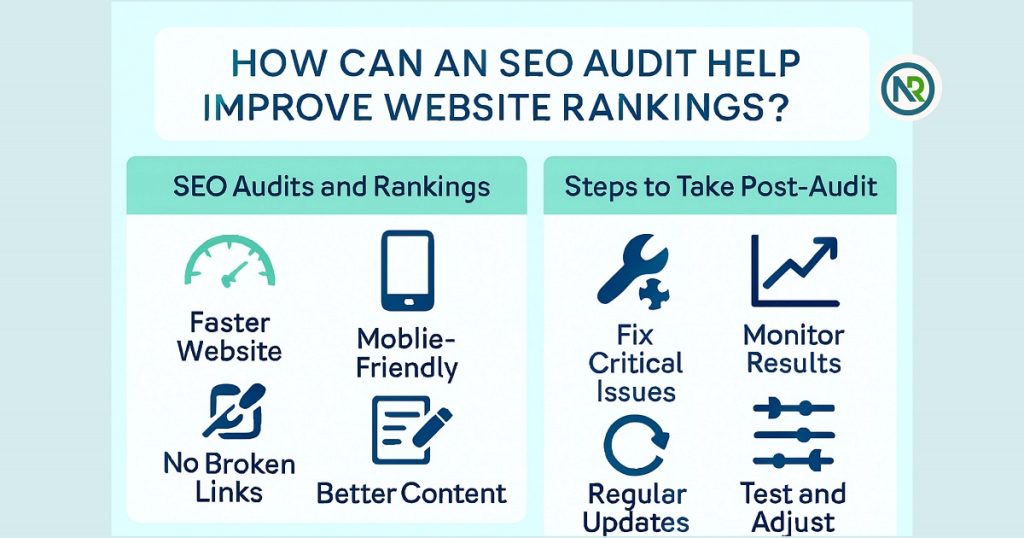
An SEO audit helps improve website rankings by identifying and fixing problems like slow page speed, broken links, and mobile optimization. Implementing the fixes leads to better search engine visibility and higher rankings.
SEO Audits and Rankings: Direct Impact of Fixing SEO Issues on Improving Search Engine Visibility
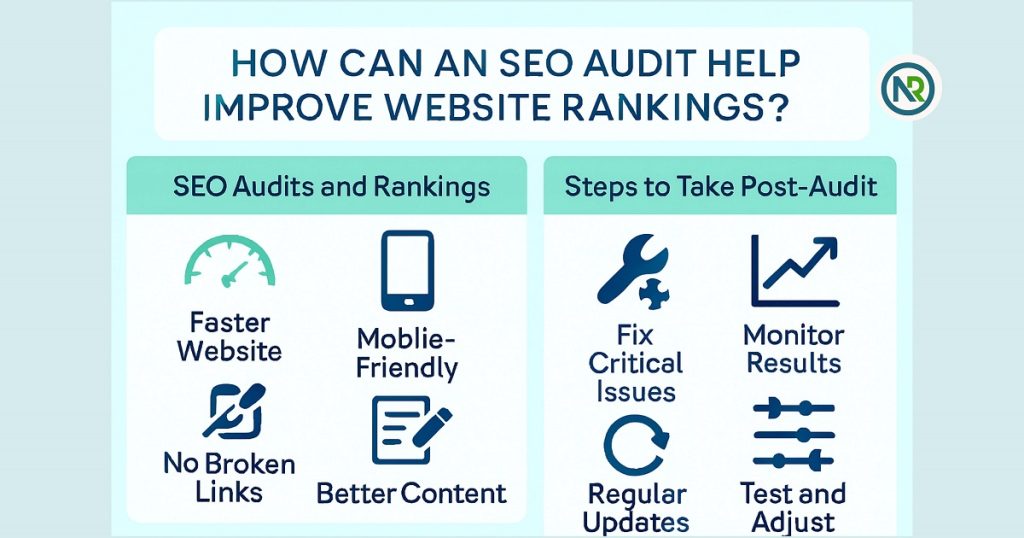
An SEO audit helps identify and fix issues that hurt your website’s ranking. When you fix these problems, search engines can better understand and rank your site. Here’s how it helps:
- Faster Website: Search engines favor fast-loading sites.
- Mobile-Friendly: Sites that work well on phones tend to rank higher.
- No Broken Links: Fixing broken links makes your site more trustworthy.
- Better Content: Optimizing content for keywords improves relevance.
Fixing these problems can boost your website’s ranking and visibility.
Steps to Take Post-Audit: How to Ensure Long-Term SEO Success by Implementing Fixes Identified in Audits
After the audit, it’s time to act. Here’s how you can ensure long-term success:
- Fix Critical Issues First: Start with big issues like speed, broken links, and mobile optimization.
- Monitor Results: Use tools like Google Analytics to track improvements.
- Regular Updates: SEO isn’t a one-time job. Keep updating your site.
- Test and Adjust: SEO changes quickly. Continuously test and refine your fixes.
By following these steps, you’ll ensure your site stays optimized and continues to perform well in search rankings.
Case Study: Real-Life Example of Improved Rankings After Performing an Audit and Fixing Issues
I once ran an SEO audit on my site. The audit showed that slow page speed and broken links were causing issues. After fixing these, my site became faster, and the user experience improved. Within weeks, my rankings and traffic both went up. It was a big win for my SEO strategy.
What Tools Should I Use for Conducting an SEO Audit?
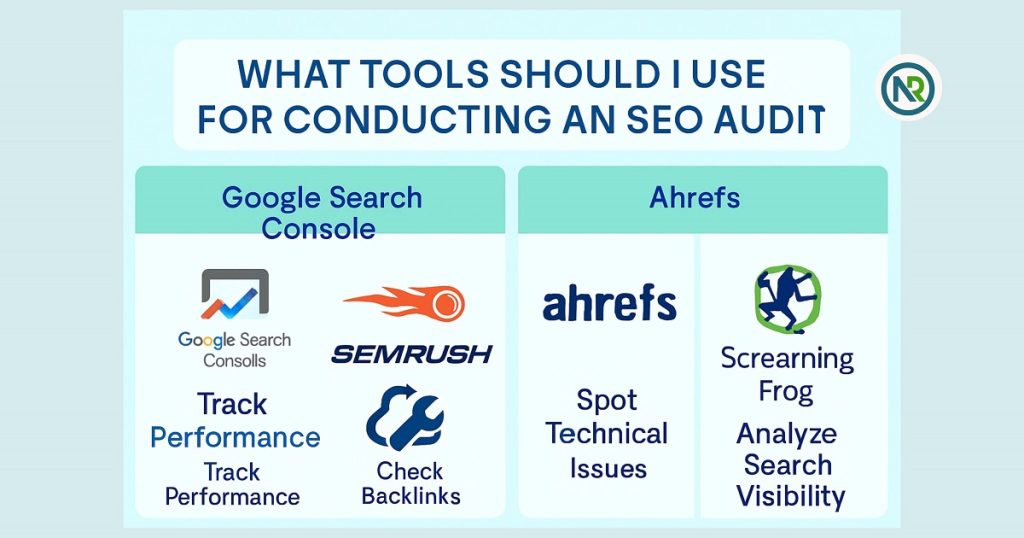
For conducting an SEO audit, use tools like Google Search Console, SEMrush, Ahrefs, and Screaming Frog. These tools help with tracking performance, checking backlinks, spotting technical issues, and analyzing search visibility.
Recommended Tools: A List of Tools I Use
When conducting an SEO audit, the right tools can make a world of difference. Here are my go-to tools for a thorough audit:
- Google Search Console: Free tool from Google that provides insights into your website’s search performance, indexing status, and crawl errors.
- SEMrush: Great for checking backlinks, keyword rankings, and competitor analysis.
- Ahrefs: Perfect for backlink audits and checking your site’s overall health.
- Screaming Frog: A powerful crawler that helps spot broken links, duplicate content, and site speed issues.
Why These Tools: Explanation of How Each Tool Can Help
- Google Search Console: It gives you direct insights from Google. You can identify errors, see which pages are being indexed, and understand user search behavior.
- SEMrush: This is a one-stop-shop for SEO. You can check keyword rankings, perform competitive analysis, and run detailed site audits to catch SEO issues.
- Ahrefs: I use Ahrefs mainly for checking backlinks. Backlinks are a huge part of SEO, and Ahrefs makes it easy to find out who’s linking to you and the quality of those links.
- Screaming Frog: This tool is invaluable for technical SEO audits. It crawls your site like search engines do, making it easy to spot issues like broken links, slow-loading pages, and missing meta tags.
Conclusion of SEO Audits and Fixes
Recap of the Key Points
Why SEO Audits Are Essential, How They Solve Problems, and How They Can Improve Website Rankings
SEO audits are crucial for identifying issues that could be hurting your website’s performance. By performing regular audits, you can:
- Identify SEO problems like slow page speed, broken links, and poor mobile optimization.
- Fix issues that improve user experience and make your site more appealing to search engines.
- Improve rankings by optimizing content, fixing technical problems, and ensuring your site meets the latest SEO standards.
SEO audits are a powerful tool that can lead to better search engine visibility and higher rankings when done right.
Encourage Readers to Perform Their Own SEO Audit and Start Improving Their Website’s SEO Today
Want to take your website’s SEO to the next level? I highly recommend checking out Nurul Reach’s SEO Problem Solving Services for a professional touch. Whether you’re new to SEO audits or need a fresh perspective, Nurul Reach can help identify areas of improvement and guide you toward the fixes that will boost your rankings. Start today, and you’ll see results!
Personal Touch: Final Thoughts and Invitation to Share Their Own SEO Audit Experiences in the Comments
I’ve shared my own SEO audit experiences, and I’d love to hear yours! Have you ever done an SEO audit? What issues did you uncover, and how did you fix them? Drop a comment below and let’s keep the conversation going. Sharing stories helps us all grow and learn. or Contact Us and see our Special SEO Prices.
FAQ of SEO Audits and Fixes
-
What is an SEO audit and why is it important?
An SEO audit is a checkup of your website’s SEO health. It identifies issues affecting rankings and visibility, helping you improve your site for better performance on search engines.
-
How often should I perform an SEO audit?
You should perform an SEO audit every 3-6 months. This ensures your website remains optimized and helps you address any new issues as search engine algorithms evolve.
-
How can an SEO audit help improve website rankings?
An SEO audit identifies technical and content-related issues. Fixing these problems improves site speed, mobile-friendliness, and content relevance, boosting search engine rankings.
-
What are the key tools used for an SEO audit?
Key tools for an SEO audit include Google Search Console, SEMrush, Ahrefs, and Screaming Frog. These tools help identify technical issues, backlinks, and other SEO factors.
-
How do I perform a basic SEO audit on my website?
To perform a basic SEO audit, check site speed, mobile optimization, broken links, and meta tags. Use tools like Google Search Console and SEMrush to identify areas for improvement.
-
How does an SEO audit solve SEO problems?
SEO audits uncover issues like slow loading times, poor mobile experience, or missing keywords. Fixing these helps improve user experience, site visibility, and search engine rankings.
-
What is technical SEO, and how does it affect audits?
Technical SEO focuses on the backend of your website, like site speed and mobile responsiveness. It’s a key part of an SEO audit, as it impacts your site’s crawlability and rankings.
-
How can I fix SEO problems after an audit?
After an audit, fix high-priority issues like slow page speeds, broken links, and poor mobile responsiveness. Regularly update your content and monitor your site’s performance.
-
Can an SEO audit improve website traffic?
Yes, fixing SEO issues identified during an audit can lead to improved search engine rankings, which often results in increased organic traffic.
-
What is the difference between an SEO audit and ongoing SEO?
An SEO audit is a one-time check to identify and fix issues, while ongoing SEO is the continuous process of optimizing content, backlinks, and other SEO factors for long-term success.
