
SEO can be tricky. One moment, your website ranks well, and the next, it drops. I’ve been there. It’s frustrating, but solving SEO problems isn’t as hard as it seems. With the right steps, you can fix ranking issues and boost your website’s performance. In this guide, I’ll share how SEO problem-solving and optimization can help. You’ll learn how to fix broken links, improve page speed, and handle algorithm changes. Let’s dive in and solve these problems together! If you need anything, you can contact us.!
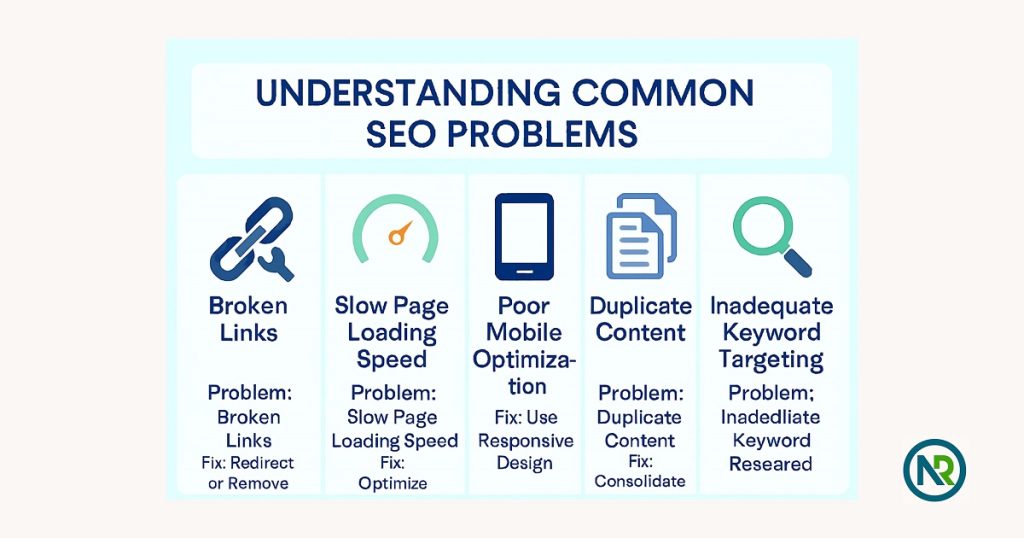
Understanding Common SEO Problems
When it comes to SEO, it’s easy to feel like you’re in the dark. You try to optimize your site, but sometimes, things just don’t go as planned. Let’s talk about some of the most common SEO problems and how they can affect your website’s performance.
-
Broken Links
Broken links are like dead ends on a road map. They frustrate visitors and can damage your SEO rankings. Search engines don’t like crawling through dead links, so this can hurt your site’s visibility.
Quick Fix: Use tools like Google Search Console or Screaming Frog to find and fix broken links quickly. -
Slow Page Loading Speed
Nobody likes waiting for a page to load. If your website is slow, users will bounce, and search engines will take notice.
Quick Fix: Optimize images, use caching, and minimize unnecessary scripts to speed up your site. -
Poor Mobile Optimization
With more users browsing on mobile, having a website that’s not mobile-friendly is a major SEO mistake. If your site isn’t responsive, visitors won’t stick around.
Quick Fix: Use a mobile-friendly design and test your site with Google’s Mobile-Friendly Test tool. -
Duplicate Content
Duplicate content confuses search engines and splits the ranking power of your pages. This can happen if you have similar content across multiple pages or even on other websites.
Quick Fix: Make sure each page has unique content and use canonical tags when necessary. -
Inadequate Keyword Targeting
Choosing the right keywords is essential, but it’s easy to get it wrong. Not targeting the right keywords can cause your website to miss the mark and not rank well.
Quick Fix: Use keyword research tools to find keywords with good search volume and low competition.
Real-life Example:
I’ve worked with businesses where broken links were slowing down their SEO efforts. After fixing them, their rankings improved, and their traffic increased. Sometimes, the simplest fixes can have the biggest impact on performance.
By addressing these common SEO problems, you’ll be well on your way to improving your website’s SEO and performance. Now, let’s dive deeper into solving these problems in the next sections!
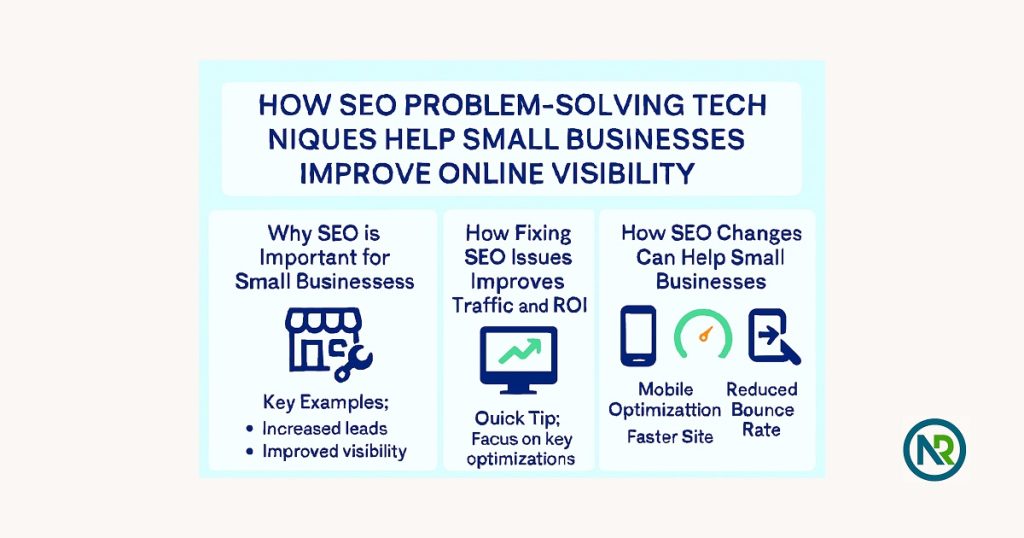
How SEO Problem-Solving Techniques Help Small Businesses Improve Online Visibility
SEO is a game-changer for small businesses. When you fix SEO issues, your website becomes easier to find. This can bring in more visitors and help your business grow. Here’s how solving SEO problems can make a big difference.
-
Why SEO is Important for Small Businesses
SEO helps people find your business online. Without it, your website could get lost in the crowd. With the right SEO techniques, your site will show up in search results, driving traffic your way.
Quick Tip: Even small fixes can bring in more people who need your product or service. -
How Fixing SEO Issues Improves Traffic and ROI
Solving SEO problems boosts traffic. For example, fixing a slow website makes people stay longer. More visitors lead to more sales.
Real-Life Example: One small business saw a 30% increase in traffic after fixing broken links and speeding up their site. That led to a 15% boost in sales. -
How SEO Changes Can Help Small Businesses
I’ve seen firsthand how fixing SEO issues can change a business. One client improved their mobile site and saw 20% more mobile traffic in just a few weeks. Another business fixed slow load times, and their bounce rate dropped by 40%.
Quick Fix: Start small. Tackle one issue at a time, and you’ll see results.
By solving these common SEO problems, small businesses can improve their visibility, get more traffic, and grow their revenue. SEO isn’t just for big companies—it’s a powerful tool for businesses of all sizes.
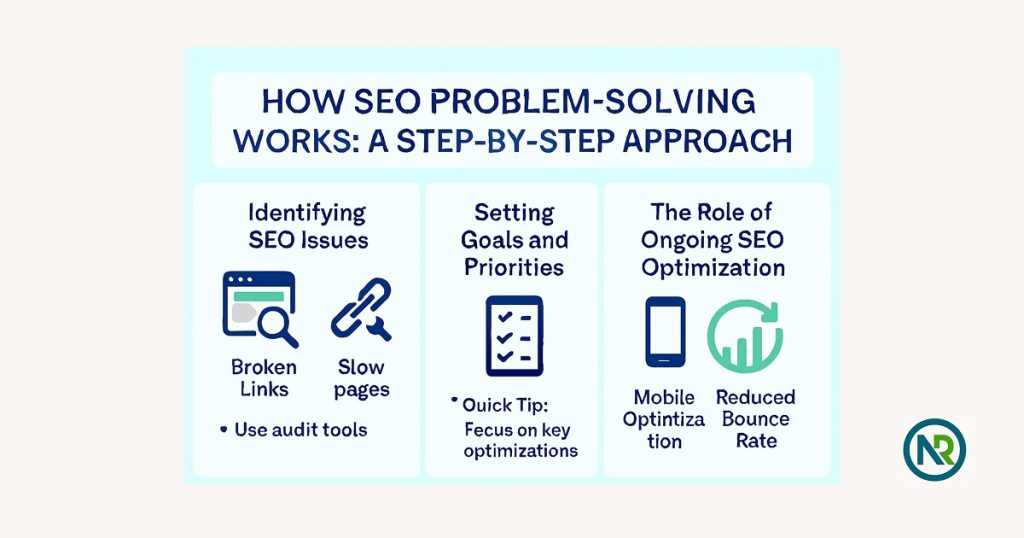
How SEO Problem-Solving Works: A Step-by-Step Approach
SEO doesn’t have to be complicated. It’s about taking one step at a time. Here’s how I solve SEO issues for better performance.
-
Identifying SEO Issues (Audit Tools, Website Analysis)
First, you need to know what’s wrong. Tools like Google Search Console or SEMrush can help you find broken links, slow pages, or missing tags.
Quick Tip: Use these tools regularly to spot problems early. -
Setting Goals and Priorities for Fixing SEO Problems
Once you know what needs fixing, set clear goals. Focus on the biggest problems first, like slow load times or broken links.
Real-Life Example: I worked with a client who had slow pages. Fixing that boosted their traffic by 20%. -
The Role of Ongoing SEO Optimization
SEO doesn’t end once you fix issues. Keep optimizing your site. Regular updates and checks will keep your rankings strong.
Quick Tip: Monitor your site’s performance every month to stay on top.
By following these simple steps, you’ll solve SEO problems and keep your site running smoothly. It’s all about consistency. Keep working on SEO, and the results will follow.
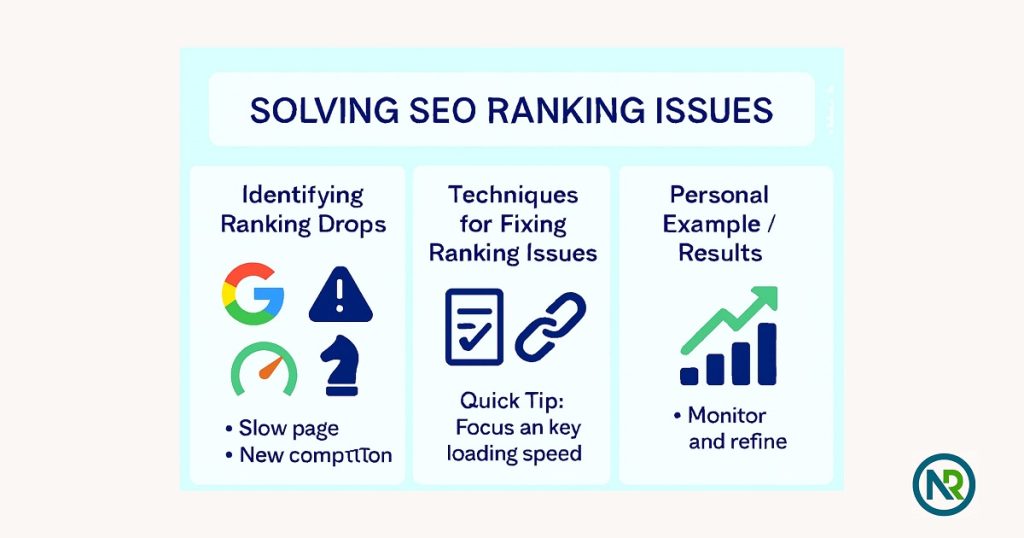
Solving SEO Ranking Issues
When your website drops in rankings, it can feel like everything is falling apart. But don’t panic—SEO ranking issues are fixable. Here’s how I solve them.
-
Identifying Ranking Drops: What Causes Them?
Ranking drops can happen for many reasons. A Google update, slow page speed, or new competition could be the cause.
Quick Tip: Check Google Search Console to see if you’ve been penalized or if there are any traffic changes. -
Techniques for Fixing Ranking Issues
There are a few key ways to improve your rank:
- On-Page SEO: Ensure your titles, headings, and content are optimized for the right keywords.
- Link Building: Quality backlinks from trusted sites can boost your site’s authority.
- Content Improvements: Update your content regularly to keep it fresh and relevant.
Quick Tip: Try answering specific user queries to increase engagement and rankings. -
Personal Example: Solving a Ranking Problem
I once worked with a client whose site dropped in rankings after a redesign. We found broken links and missing metadata. After fixing these, refreshing their content, and improving mobile optimization, their rankings improved by 25%.
Quick Tip: Small changes can lead to big improvements in rankings.
By identifying ranking problems and fixing them step by step, you’ll get your website back on track. Keep optimizing and tracking your site to stay ahead.
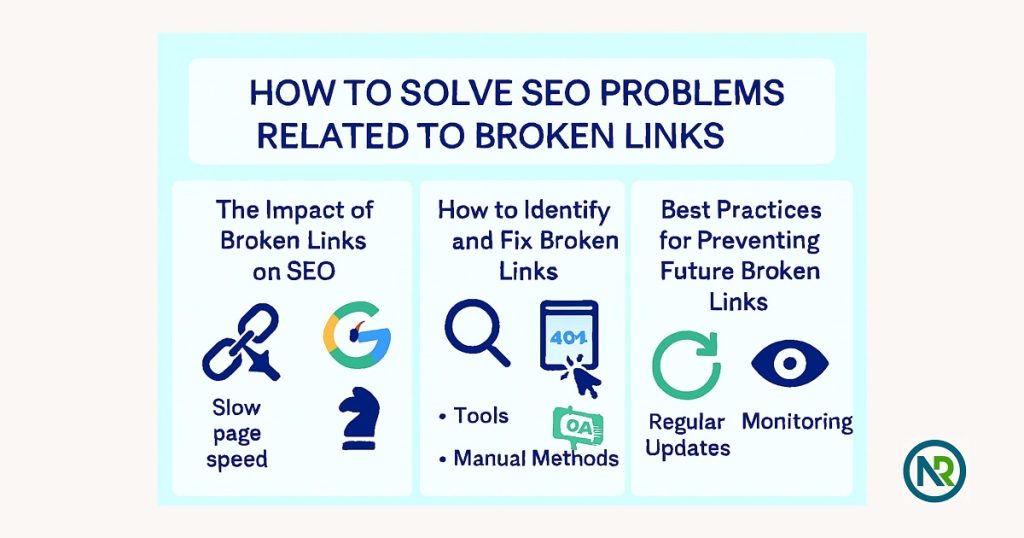
How to Solve SEO Problems Related to Broken Links
Broken links are a sneaky SEO problem that can harm your rankings and user experience. Here’s how to spot and fix them, along with ways to prevent them in the future.
-
The Impact of Broken Links on SEO
Broken links create a dead end for users and search engines. They frustrate visitors and stop search engines from crawling your site effectively. This can lead to lower rankings and higher bounce rates.
Quick Tip: Every broken link is like a lost opportunity to connect with visitors. -
How to Identify and Fix Broken Links
There are two main ways to find broken links:
- Tools: Use tools like Google Search Console or Screaming Frog to crawl your site and find broken links.
- Manual Methods: Click through key pages of your site to check for any links that lead to 404 errors.
Quick Tip: Use the “404 not found” message to quickly spot issues in your content.
-
Best Practices for Preventing Future Broken Links
Preventing broken links is all about being proactive:
- Regularly update your website and check for outdated content or links.
- Use redirects (301 redirects) to send users to the right pages if URLs change.
- Monitor your site after major updates or redesigns to ensure everything is working.
Quick Tip: Make it a habit to check for broken links every few months to keep your site running smoothly.
Fixing broken links improves both user experience and SEO. By catching these issues early and following best practices, you’ll maintain a smooth-running, high-ranking website.
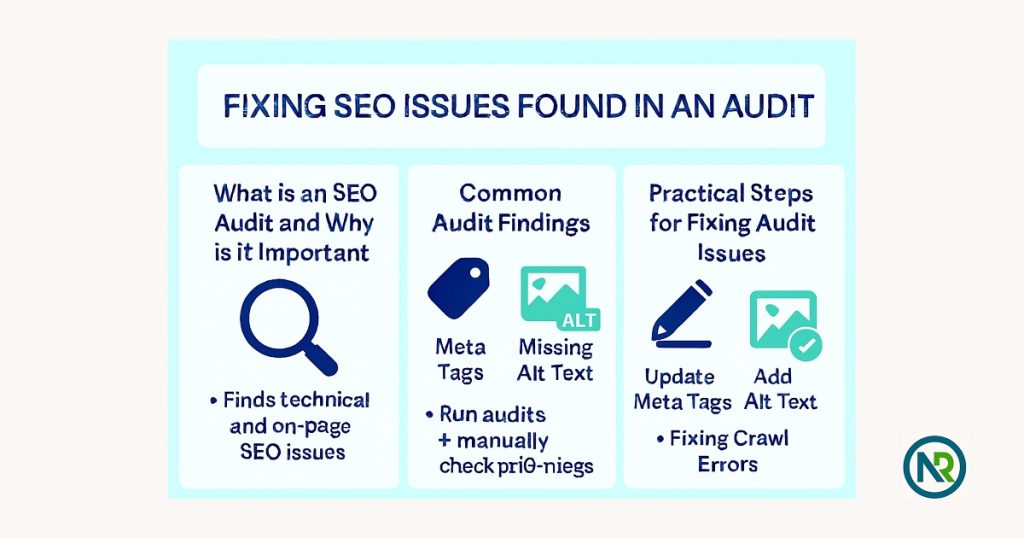
Fixing SEO Issues Found in an Audit
SEO audits are like a health checkup for your website. They help identify issues that may be hurting your rankings. Here’s how to fix those issues and get your site back on track.
-
What is an SEO Audit and Why is it Important?
An SEO audit is a detailed review of your website to find issues that affect its performance in search engines. It’s important because it helps you spot problems that might be hurting your rankings or user experience.
Quick Tip: Regular audits are essential to keep your site in top shape. -
Common Audit Findings (e.g., Meta Tags, Missing Alt Text, Crawl Errors)
During an audit, you may find several common issues:
- Meta Tags: Missing or duplicate meta descriptions can hurt your SEO.
- Missing Alt Text: Images without alt text reduce accessibility and SEO value.
- Crawl Errors: If search engines can’t crawl your pages, they can’t rank them.
Quick Fix: Use tools like Google Search Console to identify these issues.
-
Practical Steps for Fixing Audit Issues
Here’s how to fix common audit problems:
- Update Meta Tags: Write unique and relevant meta descriptions for each page.
- Add Alt Text to Images: Ensure all images have descriptive alt text for better accessibility and SEO.
- Fix Crawl Errors: Check your robots.txt file and submit a sitemap to help search engines crawl your site effectively.
Quick Tip: Fixing these small issues can make a big difference in your site’s performance.
By fixing the issues found in an SEO audit, you can improve your rankings, traffic, and overall website health. Regular audits ensure that your site stays in top shape for both users and search engines.
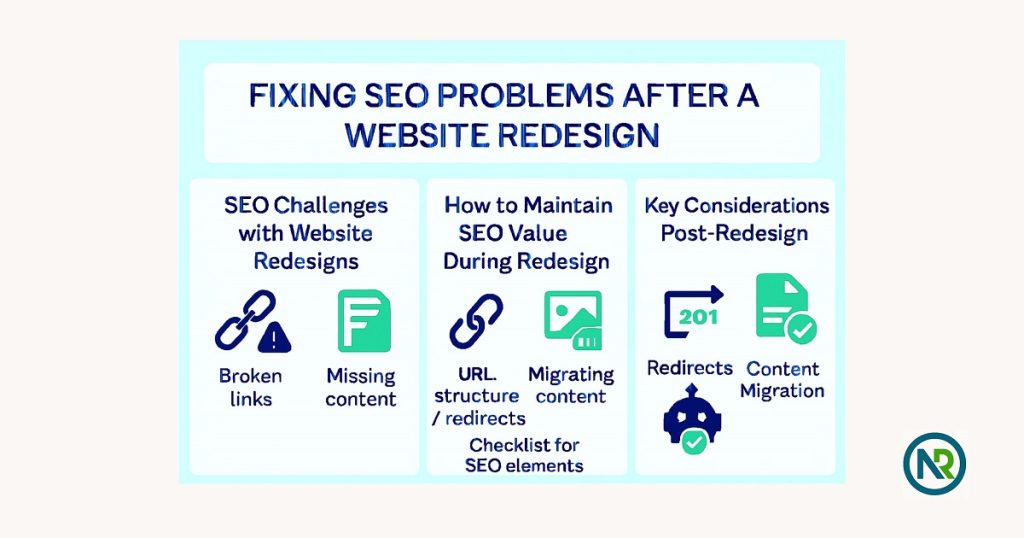
Fixing SEO Problems After a Website Redesign
A website redesign can bring a fresh look, but it also poses some SEO risks. Without careful planning, you could lose rankings and traffic. Here’s how to keep your SEO intact during and after a redesign.
-
SEO Challenges with Website Redesigns
Redesigning a site can lead to problems like broken links, missing content, or incorrect redirects. These issues can hurt your rankings.
Quick Tip: Be careful when changing URLs or structures. -
How to Maintain SEO Value During Redesign
To keep SEO value, focus on:
- Keeping URL structure the same or using proper redirects.
- Migrating all content, including images, text, and meta tags.
Quick Tip: Make a checklist of all SEO elements before you start the redesign.
-
Key Considerations: Redirects, Content Migration, and Technical SEO
After a redesign, focus on:
- Redirects: Set up 301 redirects for old pages to new ones.
- Content Migration: Ensure all content, including blog posts, is moved properly.
- Technical SEO: Test for any broken links or slow-loading pages after launch.
Quick Tip: Always run a post-launch audit to catch issues early.
A redesign is a great chance to improve your site, but it needs careful attention to keep SEO intact. Redirects, content migration, and technical checks are key to preserving your rankings.
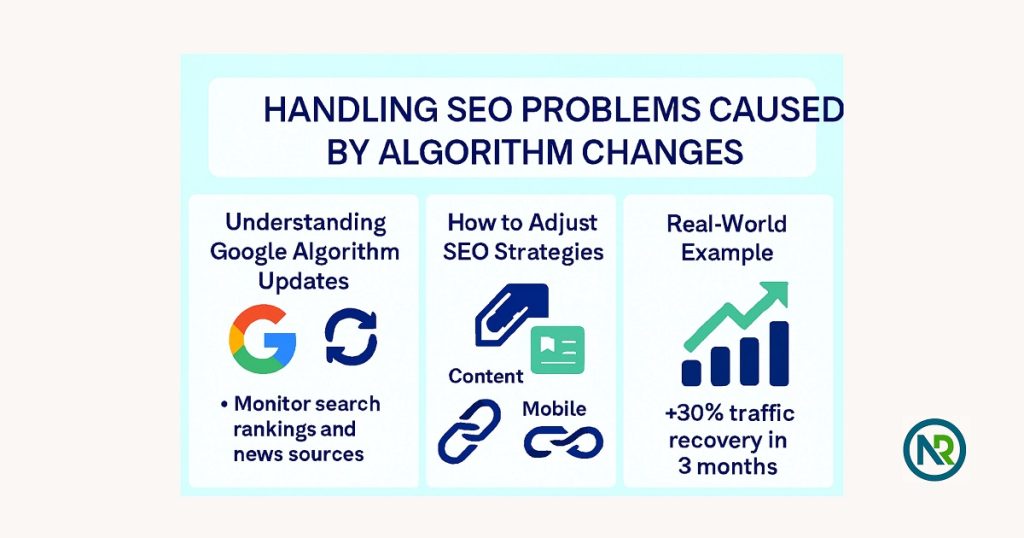
Handling SEO Problems Caused by Algorithm Changes
Google updates its algorithm often, and these changes can mess with your rankings. But don’t worry, you can handle it. Here’s how to adjust and keep your SEO on track.
-
Understanding Google Algorithm Updates and Their Impact on SEO
Google makes updates to improve search results. These changes can affect your rankings, sometimes causing a drop.
Quick Tip: Follow Google’s Search Central blog to stay updated on algorithm changes. -
How to Adjust SEO Strategies When Algorithm Changes Occur
When an update hits, it’s time to adjust your strategy:
- Focus on Content: Make sure your content is high-quality and helpful.
- Mobile Optimization: Google now uses mobile-first indexing. Ensure your site works well on mobile.
- Backlinks: Keep building good-quality backlinks.
Quick Tip: Always adapt to new trends and ranking factors by reviewing your strategy.
-
Real-World Example: Adapting to a Major Algorithm Update
I had a client who lost traffic after a Google update. We found that some of their content was outdated. By updating and improving it, their traffic returned, and rankings got better.
Quick Tip: When your rankings drop, check your content and backlinks for any areas that need improvement.
Algorithm changes can be challenging, but by staying informed and adapting, you can keep your SEO in good shape. Focus on high-quality content, mobile optimization, and strong backlinks to stay ahead.
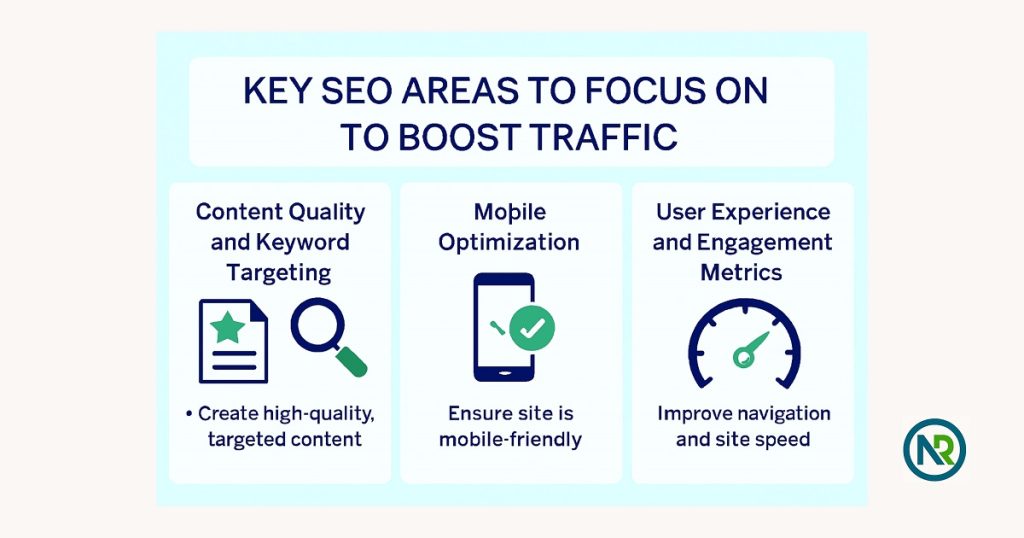
Key SEO Areas to Focus on to Boost Traffic
To boost your traffic, you need to focus on the right areas of SEO. Here are the key elements that can make a real difference.
-
Content Quality and Keyword Targeting
High-quality content is the backbone of SEO. Make sure your content is relevant and answers users’ questions. Also, target the right keywords.
Quick Tip: Use keyword research tools to find terms that have good search volume but low competition. -
Mobile Optimization
More people are browsing on mobile devices than ever before. If your site isn’t mobile-friendly, you’re missing out.
Quick Tip: Test your site’s mobile performance with Google’s Mobile-Friendly Test and make sure it loads fast and looks good on any device. -
Backlink Strategy and Outreach
Backlinks from trusted websites are a key factor in ranking. A strong backlink strategy can help increase your site’s authority.
Quick Tip: Reach out to industry blogs or websites for guest posting opportunities or link-building partnerships. -
User Experience and Engagement Metrics
User experience (UX) matters to Google. If visitors find your site hard to navigate or slow to load, they won’t stay long.
Quick Tip: Focus on improving your site speed and navigation. Check your bounce rate and make sure users can easily find what they’re looking for.
By focusing on these areas—content quality, mobile optimization, backlinks, and UX—you’ll be able to boost your site’s traffic and improve your rankings. Keep improving these elements and watch your SEO results grow!
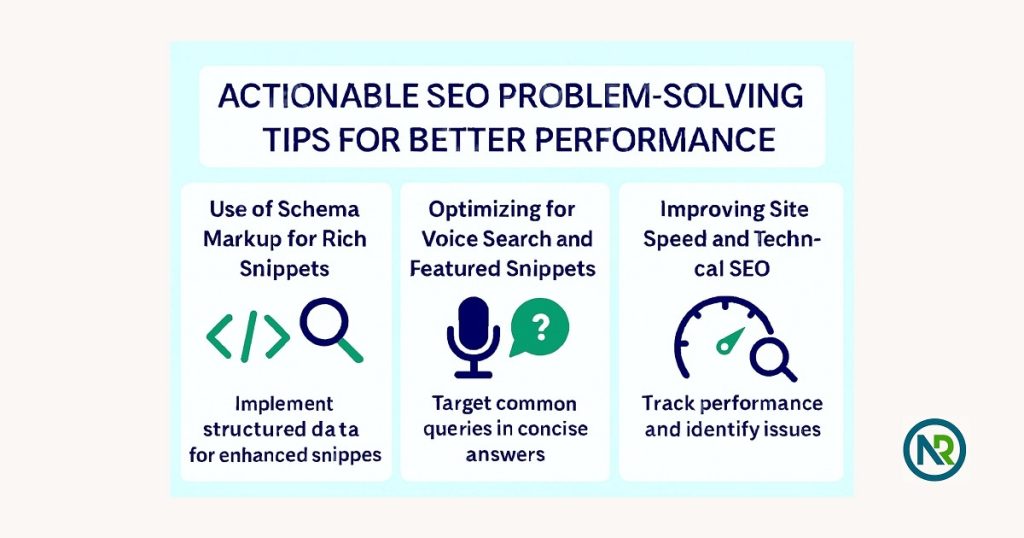
Actionable SEO Problem-Solving Tips for Better Performance
Improving your SEO performance is all about the right strategies. Here are some easy tips to help boost your rankings.
-
Use of Schema Markup for Rich Snippets
Schema markup helps search engines understand your content better. It can get your content featured as a rich snippet, which makes it stand out in search results.
Quick Tip: Add schema for things like reviews and FAQs to get better visibility.
-
Optimizing for Voice Search and Featured Snippets
People use voice search more than ever. To rank higher, use natural, conversational language in your content. Target long-tail keywords and common questions.
Quick Tip: Create answers to common questions in a simple, clear format to increase your chances of appearing in featured snippets.
-
Improving Site Speed and Technical SEO (Core Web Vitals)
Google values fast-loading websites. Slow sites can hurt your rankings. Improve site speed by optimizing images, reducing scripts, and using a CDN.
Quick Tip: Check your Core Web Vitals in Google Search Console and make adjustments to boost speed.
-
Continuous Monitoring and Analysis for Sustained Improvement
SEO isn’t a one-time fix. You need to track your site’s performance regularly. Use tools like Google Analytics and Search Console to monitor your traffic and rankings.
Quick Tip: Set up monthly SEO checks to see what’s working and what needs improvement.
By following these steps—adding schema markup, optimizing for voice search, speeding up your site, and monitoring your progress—you’ll improve your SEO and stay ahead of the game.
Conclusion of SEO Problem-Solving and Optimization
-
Recap of the Importance of SEO Problem-Solving
Solving SEO problems is essential for improving your website’s visibility and performance. When you tackle issues like broken links, slow loading times, or poor content, your rankings and traffic improve.
Quick Tip: Regular SEO problem-solving keeps your website healthy and competitive.
-
Encouragement to Take Action with the Outlined Strategies
The strategies I’ve shared in this article are simple but effective. By focusing on key areas like content, mobile optimization, and link building, you’ll see a noticeable boost in SEO performance.
Quick Tip: Take one step at a time and track your progress for steady improvements.
-
How I Can Help with Your SEO Challenges
If you’re feeling stuck or need expert help with SEO, I’m here to guide you. At Nurul Reach, I specialize in solving SEO problems and improving website performance. Let’s work together to optimize your site and boost your rankings.
Quick Tip: Reach out to Nurul Reach today for personalized SEO solutions tailored to your business needs. Contact us to finding and solve your business SEO problems. We have a special of SEO packages that will be on your wish list and you will benefit.
FAQs for SEO Problem-Solving and Optimization
1. What is SEO problem-solving and why is it important?
SEO problem-solving helps identify and fix issues that affect your website’s performance. It’s key to improving rankings, boosting traffic, and making your site more visible.
2. How do I solve SEO ranking issues?
To solve SEO ranking issues, focus on improving content quality, fixing broken links, optimizing page speed, and ensuring mobile-friendliness. Regular SEO audits also help keep your rankings steady.
3. What are the most common SEO problems?
Common SEO problems include broken links, slow page speeds, duplicate content, poor keyword targeting, and mobile optimization issues. Fixing these improves your website’s SEO performance.
4. How can SEO problem-solving help small businesses?
SEO problem-solving can improve small businesses’ online visibility by fixing ranking issues, optimizing content, and improving user experience, which leads to more traffic and better ROI.
5. What SEO problems should I focus on to boost traffic?
Focus on improving content quality, fixing broken links, optimizing for mobile devices, building backlinks, and enhancing page load speed to boost your website’s traffic and SEO.
6. How do I solve SEO problems related to broken links?
To solve broken link issues, use tools like Google Search Console or Screaming Frog to find dead links. Redirect or update them to maintain site authority and improve SEO.
7. How do I fix SEO issues found in an audit?
Fix SEO audit issues by addressing common problems like missing meta tags, missing alt text, slow page speeds, and crawl errors. Regular audits help keep your site optimized.
8. How do I fix SEO problems after a website redesign?
After a redesign, ensure you set up proper redirects, transfer all content accurately, and test for broken links. Check technical SEO elements like page speed and mobile optimization.
9. How do algorithm changes affect SEO, and how do I adjust?
Algorithm changes can affect rankings. Adjust by updating content, focusing on mobile optimization, and improving user experience. Regularly monitor your site to adapt to updates.
10. What are the key SEO areas to focus on for better traffic?
To boost traffic, focus on high-quality content, mobile optimization, backlink strategy, and improving user experience. These areas help improve rankings and increase visitor engagement.
11. How can I improve my SEO performance with actionable tips?
Use schema markup for rich snippets, optimize for voice search, improve page speed, and regularly monitor performance. These steps help boost visibility and keep your site optimized.
12. How can I get help with SEO problems?
If you’re struggling with SEO problems, consider reaching out to Nurul Reach for expert SEO solutions. We can help improve your website’s performance and solve any SEO issues you face.
