
Ever felt like your website should be ranking better, but you’re not sure what’s going wrong? Trust me, I’ve been there. One of the biggest game-changers for me in fixing SEO problems was using Google Search Console and Errors. It’s like having a roadmap to uncovering hidden issues that could be holding your site back. By regularly checking GSC, I was able to spot critical SEO errors—like those pesky 404 errors—and fix them before they could hurt my rankings. In this article, I’ll walk you through how to use Google Search Console to identify and solve SEO problems, so you can start seeing real improvements in your website’s performance. Let’s dive in!
What is Google Search Console and Why It’s Essential for SEO
Google Search Console (GSC) is a free tool that helps you monitor, maintain, and improve your site’s presence in Google Search results. Think of it as your website’s personal assistant that lets you track how Google views your site. From SEO errors to performance tracking, GSC gives you everything you need to optimize your site and improve rankings.
- Key Features of Google Search Console:
- Search Performance Report: Shows how your site performs in search results.
- Index Coverage: Helps you track indexed pages and discover errors (like 404s).
- Mobile Usability: Checks if your site is mobile-friendly.
- Core Web Vitals: Measures the user experience on your site, including speed and interactivity.
Why It’s Important to Monitor SEO Performance
Monitoring SEO performance is crucial for spotting issues that might be holding your site back from ranking higher. Using GSC regularly gives you the chance to fix issues early, like broken links or pages that aren’t indexed properly. The quicker you identify and fix these problems, the sooner you’ll see results.
- Benefits of Regularly Using GSC:
- Identify and fix SEO errors before they affect rankings.
- Keep track of search traffic and rankings.
- Improve mobile usability and user experience.
- Stay on top of any penalties or manual actions from Google.
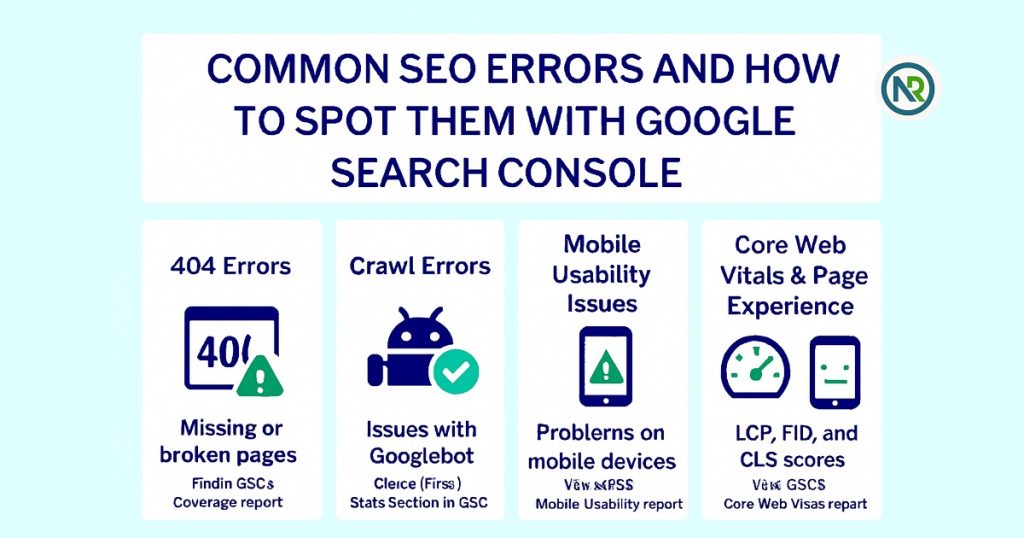
What Are Common SEO Errors & How to Spot Them with Google Search Console
Google Search Console is your best friend when it comes to finding SEO errors. These errors can hurt your rankings, but luckily, GSC makes it easy to spot them. Let’s walk through the most common issues and how to find them using GSC.
404 Errors: Why They Hurt Your Rankings
- What Are 404 Errors?
A 404 error happens when a page can’t be found. It’s like sending a visitor to a dead end. - Why It Matters
Google sees 404s as a negative signal. If Googlebot keeps running into them, your site could lose trust, which hurts rankings.
- How to Find 404 Errors in GSC
- Go to Coverage in GSC.
- Look under the Errors tab for pages showing a “404” status.
- Fix these by redirecting to relevant pages or updating internal links.
Crawl Errors: What They Are and How to Find Them
- What Are Crawl Errors?
Crawl errors happen when Googlebot can’t reach a page on your site. This can be due to server issues or wrong URLs. - Why It Matters
If Google can’t crawl your pages, they won’t get indexed. That means they won’t appear in search results, and your rankings will suffer. - How to Find Crawl Errors in GSC
- In GSC, go to Coverage.
- Check for errors like “Server errors” or “Not found.”
- Investigate and fix any issues blocking Google from crawling your pages.
Mobile Usability Issues: Ensuring Your Site is Mobile-Friendly
- What Are Mobile Usability Issues?
These occur when your site doesn’t look or work well on mobile devices. For example, buttons might be too small, or text could be too tiny. - Why It Matters
Google’s mobile-first indexing means it ranks sites based on their mobile version. If your site isn’t mobile-friendly, your rankings will take a hit. - How to Find Mobile Usability Issues in GSC
- Go to Enhancements and click on Mobile Usability.
- Check for pages that have mobile usability problems.
- Fix issues like font sizes or spacing to improve mobile experience.
Core Web Vitals and Page Experience Errors
- What Are Core Web Vitals?
These metrics measure your site’s user experience, focusing on speed, interactivity, and visual stability. - Why It Matters
Google cares about how users interact with your site. If your Core Web Vitals scores are low, it could hurt your rankings, as Google rewards great user experiences. - How to Find Core Web Vitals Issues in GSC
- In GSC, go to Core Web Vitals under Enhancements.
- Look for pages with poor scores for LCP, FID, or CLS.
- Optimize page speed and interactivity to improve these scores.
By keeping an eye on these common SEO errors in Google Search Console, you can spot problems early and fix them before they hurt your site’s rankings. Regularly monitor these issues to stay ahead of the game and ensure your site is always performing at its best.
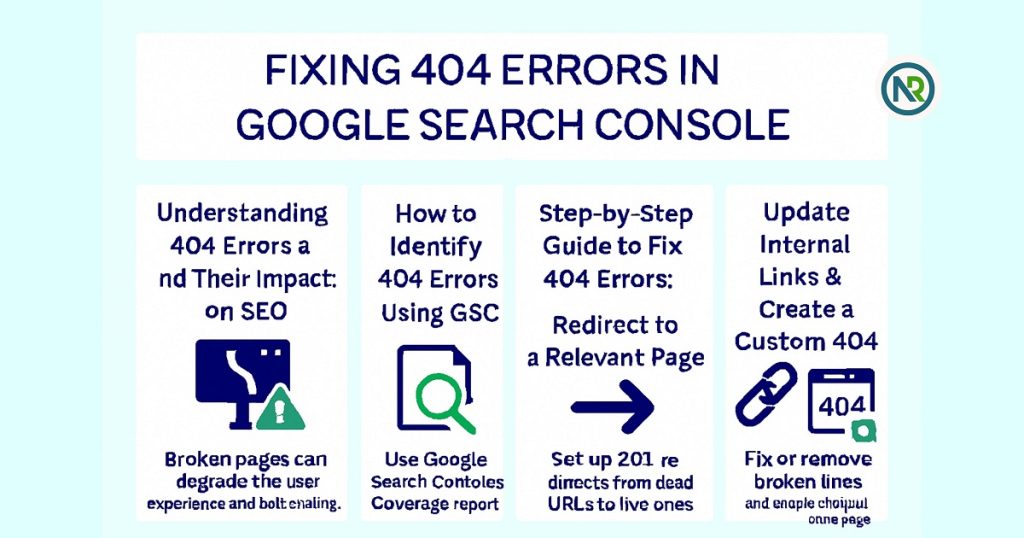
How to Fix 404 Errors in Google Search Console & Why They Hurt SEO
404 errors can be a huge roadblock for SEO. They happen when a page is not found, and they can harm your site’s rankings if not fixed. But don’t worry—Google Search Console (GSC) makes it easy to identify and fix these errors.
Understanding 404 Errors and Their Impact on SEO
- What Are 404 Errors?
A 404 error occurs when a user tries to visit a page that no longer exists or has an incorrect URL. It’s like sending someone to a dead end. - Why 404 Errors Hurt SEO
Google doesn’t like broken links. If Googlebot keeps running into 404s, it signals to Google that your site may not be well-maintained, which could hurt your rankings. Plus, users have a poor experience when they hit dead ends.
How to Identify 404 Errors Using GSC
- Check the Coverage Report in GSC
- Log into Google Search Console.
- Go to the Coverage section.
- Look for any “404 errors” listed under Errors. These are pages that Google couldn’t find.
- Review URLs with 404 Errors
- Note which URLs are throwing 404s.
- Check whether these pages were removed or moved.
Step-by-Step Guide to Fix 404 Errors
Once you’ve identified the 404 errors, here’s how to fix them:
- Redirect to a Relevant Page
- If the page has been moved or replaced, use a 301 redirect to send users to a relevant page.
- This helps maintain the SEO value of the old page and prevents a bad user experience.
- Update Internal Links
- Check if other pages on your site link to the broken URL.
- Update those links to point to the new, correct URL or redirect page.
- Create a Custom 404 Page
- Not all 404 errors can be redirected. In that case, make sure you have a helpful custom 404 page.
- A good 404 page should guide users back to your homepage or suggest other useful pages.
Personal Experience: Fixing 404 Errors and Boosting SEO
I once noticed a significant drop in traffic after realizing that several pages on my site were returning 404 errors. Using GSC, I quickly identified the pages and implemented redirects to relevant content. I also updated internal links and designed a user-friendly 404 page. The results were immediate—my traffic started to recover, and my rankings improved. It was a simple fix, but it made a huge difference.
By identifying and fixing 404 errors through Google Search Console, you can boost your site’s SEO and user experience. Regularly checking for broken links and ensuring smooth navigation will help maintain a healthy, high-ranking site.
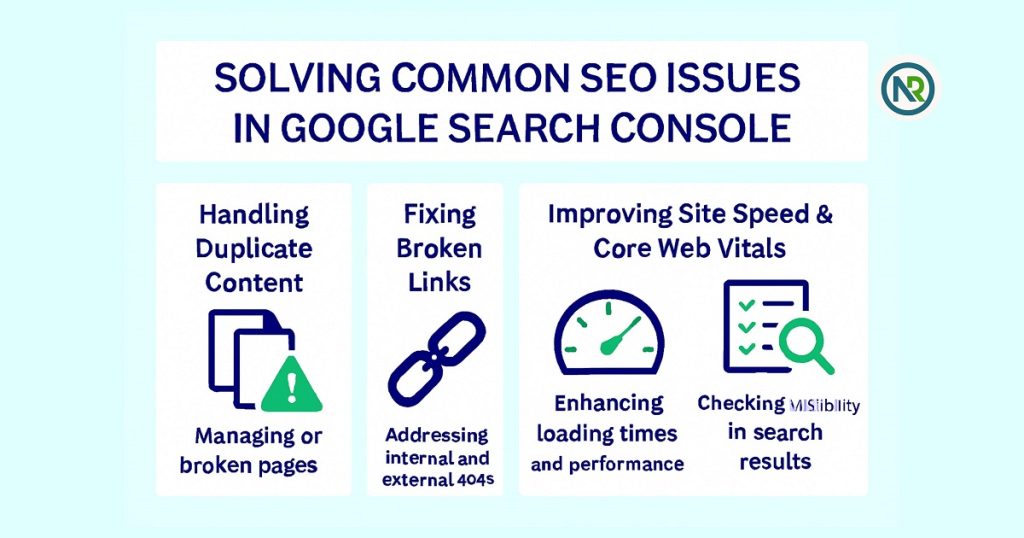
How to Solve Common SEO Issues Using Google Search Console
Google Search Console (GSC) isn’t just for fixing 404 errors. It helps solve many other SEO problems. Let’s look at a few common issues and how to fix them using GSC.
Handling Duplicate Content
- What is Duplicate Content?
Duplicate content happens when the same text shows up on more than one page. This confuses Google. - Why It Matters
Google may not know which page to rank. This can hurt your SEO.
- How to Fix It
- Check Coverage in GSC for duplicate issues.Use canonical tags to point Google to the main page.
- Remove or combine pages with similar content.
Fixing Broken Links
- What Are Broken Links?
A broken link happens when a page or link no longer exists. It leads to a dead page. - Why It Matters
Broken links hurt user experience. They also harm SEO if Google sees too many of them. - How to Fix It
- Look for 404 errors in Coverage in GSC.
- Update links that point to broken pages.
- Use 301 redirects to send users to the right page.
Improving Site Speed and Core Web Vitals
- What Are Core Web Vitals?
Core Web Vitals measure how fast your site loads, how interactive it is, and if it stays stable when loading. - Why It Matters
A slow site hurts both your users and your SEO rankings. - How to Improve It
- Check the Core Web Vitals report in GSC.
- Look for pages with poor scores.
- Optimize images, reduce server time, and improve interactivity.
Ensuring Proper Indexing of Pages
- What is Indexing?
Indexing is when Google adds your page to its search results. If a page isn’t indexed, it won’t appear in search. - Why It Matters
If pages aren’t indexed, you miss out on ranking and traffic. - How to Ensure Indexing
- Check the Coverage report in GSC.
- Use the URL Inspection Tool to request indexing for pages.
- Make sure important pages aren’t blocked by a noindex tag.
Using Google Search Console to solve these SEO problems is key to keeping your site healthy. Whether it’s fixing broken links or improving site speed, GSC has the tools you need to boost your rankings.
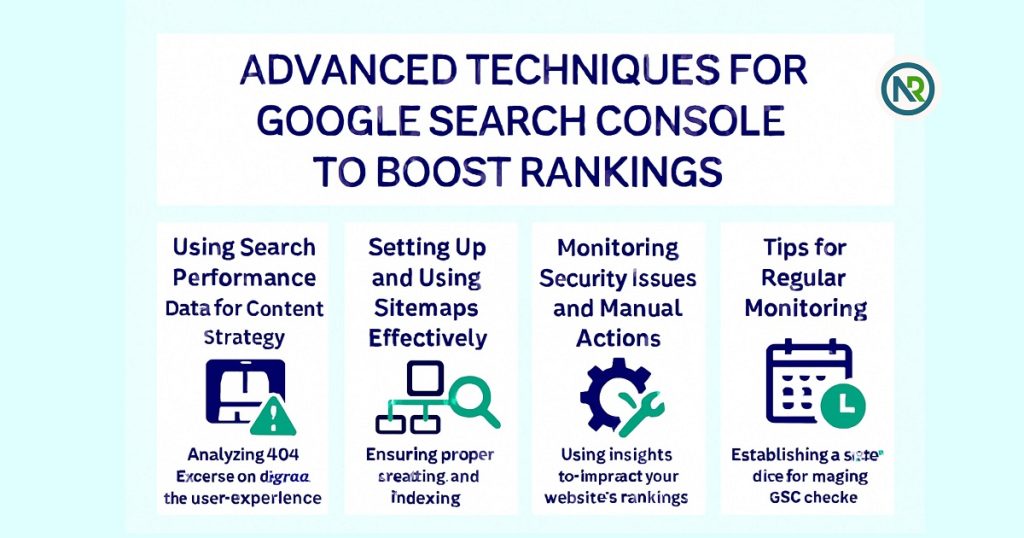
What are Advanced Google Search Console Techniques & How to Boost Rankings with Them
Google Search Console is full of tools that can help you take your SEO to the next level. Let’s explore some advanced techniques that will help you improve your rankings.
Using Search Performance Data for Content Strategy
- What Is It?
This data shows how your site performs in Google. It includes clicks, impressions, and average positions. - Why It Matters
Knowing which keywords work best helps you create more content that people are searching for. - How to Use It
- In GSC, go to Performance.
- Look at which queries bring in the most clicks.
- Use that data to guide new content ideas.
Setting Up and Using Sitemaps Effectively
- What Is a Sitemap?
A sitemap tells Google which pages to crawl and index. - Why It Matters
A good sitemap makes sure all your pages get indexed. This boosts your chances of ranking. - How to Use It
- Go to Sitemaps in GSC.
- Submit your sitemap URL.
- Keep your sitemap updated as you add new pages.
Monitoring Security Issues and Manual Actions
- What Are Security Issues?
These are problems like malware or hacking that can hurt your site’s performance. - What Are Manual Actions?
Google might penalize your site if it violates guidelines, like using black-hat SEO. - Why It Matters
Security and manual action issues can harm your rankings. Catching them early is key. - How to Monitor It
- Go to Security & Manual Actions in GSC.
- Fix any issues listed in this section quickly.
Leveraging GSC to Refine Your Overall SEO Strategy
- What Is SEO Refinement?
SEO is an ongoing process. GSC provides the data you need to keep improving. - Why It Matters
Regular updates and fixes will keep your site competitive and ranking well. - How to Use GSC for SEO Refinement
- Check Performance often for traffic trends.
- Use Coverage to fix any pages that aren’t indexed.
- Keep an eye on Core Web Vitals to improve site speed.
By using Google Search Console for advanced strategies like performance tracking, sitemap submission, and security monitoring, you’ll stay ahead of SEO challenges and improve your rankings. Regularly reviewing your data will keep your site optimized and ready for more traffic.
Conclusion of Solve SEO Problems and Fix Errors
- Summary:
Google Search Console is a powerful tool for identifying and fixing SEO errors. Whether it’s tracking 404 errors, improving site speed, or fixing indexing issues, GSC gives you the insights you need to keep your website performing well in search results. - Personal Insight:
I’ve been using Google Search Console consistently for years. Each time I catch an SEO issue early—like a crawl error or slow page—it helps me make quick fixes that keep my rankings healthy. It’s become a routine for me to check GSC regularly, and I can honestly say that it’s led to better website optimization and steady improvement in search performance over time. - Call to Action:
If you’re not already using Google Search Console, now’s the time to start. By regularly monitoring your site’s performance, you can solve SEO problems quickly and boost your rankings. So, log in to GSC today, start identifying and fixing errors, and watch your site’s performance improve!
If your any Suggestion or help need just contact Nurul Reach. I would love to solve your SEO Problem
FAQs
-
What is Google Search Console and how does it help SEO?
Google Search Console (GSC) helps you track and fix SEO errors on your website. It provides insights into your site’s performance, like 404 errors and mobile usability issues.
-
How can I fix 404 errors using Google Search Console?
In Google Search Console, go to the Coverage report. Look for 404 errors, then either redirect to relevant pages or update internal links to fix the issues.
-
How do I identify SEO errors in Google Search Console?
Google Search Console helps identify SEO errors through the Coverage, Performance, and Mobile Usability reports. These show issues like crawl errors and page indexing problems.
-
Why is fixing 404 errors important for SEO?
404 errors harm SEO by affecting user experience and site authority. Google penalizes websites with many broken links, which is why fixing 404 errors improves rankings.
-
What are Core Web Vitals and how do they impact SEO?
Core Web Vitals measure how fast a page loads, how interactive it is, and how stable it stays. Poor Core Web Vitals can lower your rankings and hurt the user experience.
-
How do I fix broken links with Google Search Console?
In Google Search Console, check the Coverage report for 404 errors. Update or remove links that lead to non-existent pages, and redirect them to relevant pages.
-
How can I improve my website’s mobile usability using GSC?
Google Search Console’s Mobile Usability report shows issues like small fonts or unclickable buttons. Fixing these will improve your site’s mobile experience and SEO.
-
What is the best way to use search performance data for SEO?
Use the Performance report in GSC to identify high-performing keywords. Create more content targeting these keywords to boost your website’s search rankings.
-
How do I monitor manual actions and security issues in Google Search Console?
Google Search Console’s Security & Manual Actions section alerts you to manual penalties or security issues. Fixing these quickly helps prevent SEO damage.
- Why should I submit a sitemap in Google Search Console?
Submitting a sitemap in GSC ensures Google knows which pages to crawl and index. This helps improve your website’s visibility in search results.
